Content creators
A creator records narration, character dialogue, or short-form clips and wants a distinct vocal texture.
Processed audio can help separate characters or give a project a more playful sound.
voice changer YouTubeIf you searched what is voice changer android, the short answer is an app or service that alters spoken audio so it sounds different during recording, playback, or supported live communication. This guide explains the idea without confusing voice effects with full voice replacement.
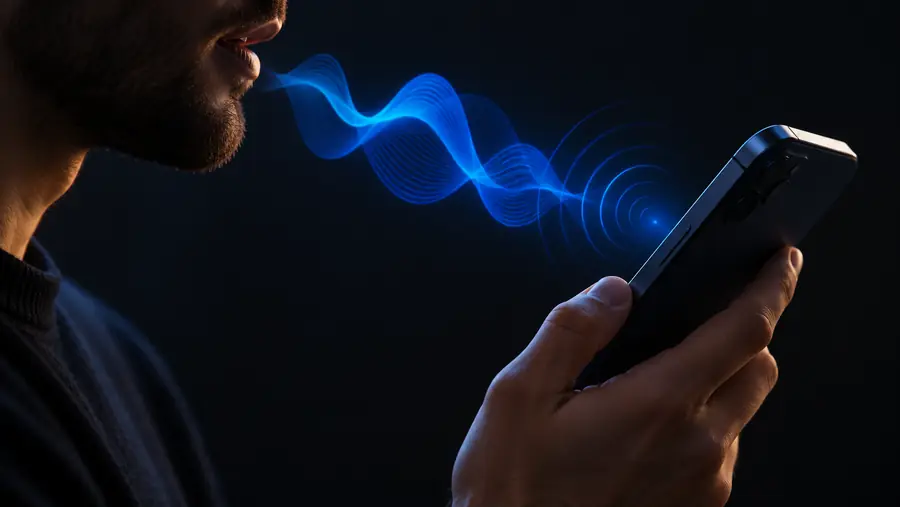
A voice changer on Android is software that captures speech, applies audio processing, and returns an altered version for listening, recording, or sharing.
An Android voice changer can reshape characteristics such as pitch, tone, timing, and texture, but the result depends on the app, the audio source, and the destination.
A filter may shift pitch or add character, but it does not guarantee a convincing match to a specific person. Natural speech patterns, microphone quality, and the original speaker still affect the result.
WorkaroundUse a clean recording, speak steadily, and treat presets as effects rather than perfect identity changes.
Some Android apps do not accept processed microphone audio from another app, especially during live calls or protected communication sessions.
WorkaroundRecord or process the audio first, or use a voice tool that explicitly supports the destination app.
A voice changer can transform usable speech, but it cannot reliably recover words buried under heavy noise, clipping, echo, or missing signal.
WorkaroundRecord closer to the microphone, reduce background noise, and check the source clip before applying effects.
Real-time processing may add latency because the phone must capture, analyze, modify, and replay the signal. Older hardware or complex effects can make this more noticeable.
WorkaroundChoose lighter effects, close unused apps, and test timing before using the result in a live conversation or game.
Most tools follow the same basic audio path, whether the result is meant for a recording or a supported live use.
The phone microphone records speech as an audio signal. Clear pronunciation and a quiet room give the processor more useful information to work with.
The software changes selected properties, such as pitch, resonance, speed, echo, distortion, or other effect layers. Different presets combine these controls in different ways.
The altered signal is sent to playback, stored as an edited recording, or passed to a compatible destination. The final result depends on both the processing and the receiving app.
The before-and-after idea is simple: the words remain recognizable while selected qualities of the signal are changed.
The effect changes audio characteristics, not the speaker’s physical voice.
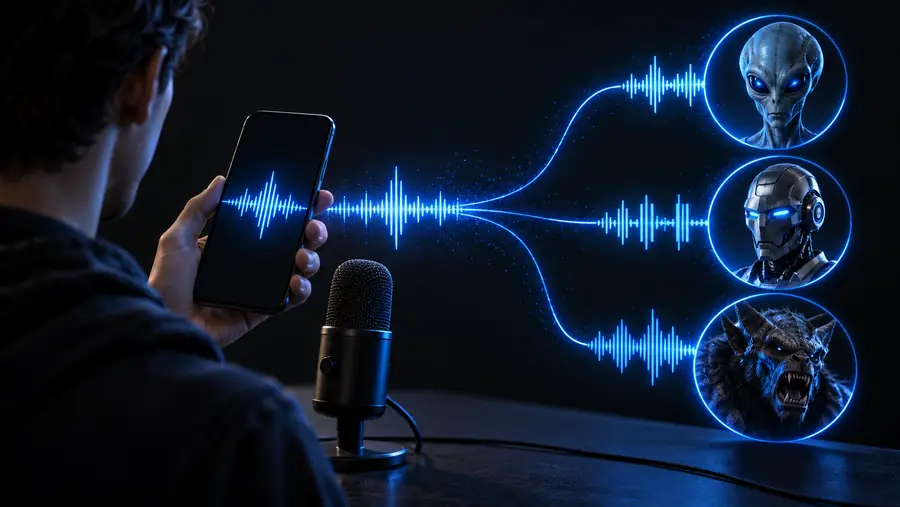
These reference points describe the path from speech input to an audible result without suggesting that every Android app has identical controls.
Different people use voice tools for different creative and practical reasons. The best choice depends on whether the goal is recording, communication, entertainment, or experimentation.
A creator records narration, character dialogue, or short-form clips and wants a distinct vocal texture.
Processed audio can help separate characters or give a project a more playful sound.
voice changer YouTubeA player experiments with a recognizable character voice while communicating in a supported game or channel.
A selected effect can add personality, provided the game accepts the processed audio path.
voice changer for DiscordAn actor tests pitch, resonance, or creature-like textures before choosing a direction for a scene.
Quick experiments can reveal which vocal qualities deserve a more deliberate performance.
voice changer with effectsA presenter creates an example, character voice, or audio exercise for a lesson or demonstration.
The altered recording can make a concept easier to compare and discuss without replacing the original take.
voice changer onlineSomeone records a short message simply to hear how different filters change the character of speech.
Trying several restrained effects makes it easier to understand what the software changes.
voice to voice changerNow that you know what an Android voice changer is, you can approach it as an audio-processing tool rather than a promise of perfect identity conversion. Start with a clear voice sample, choose one purpose, and judge the result by how naturally it fits that use.
Try voice changerThese answers cover the core meaning and practical limits behind the query what is voice changer android.
It is an Android app or service that captures spoken audio and modifies characteristics such as pitch, tone, timing, or texture. The result may be played back, saved as a recording, or sent to a compatible destination.
The phone records or receives speech, processes the audio with selected filters, and outputs the altered signal. Processing may happen during recording, after recording, or in real time when the app and destination support it.
No. Android apps and communication services handle microphone input differently, and some do not accept audio processed elsewhere. Compatibility must be tested for the specific app or use case.
It can change audible qualities of your speech, but it cannot guarantee an identical or convincing match to a particular person. The source voice, recording quality, selected effect, and delivery all influence the result.
No. Voice changers can also be used for recordings, character performances, demonstrations, games, and creative audio experiments. Live use is only one possible output when the technical setup supports it.