A casual creator
They want a playful effect for a short public clip.
They test a disposable recording, review permissions, and label the transformed audio clearly.
voice changer with effectsTrust guide
Is voicechanger.io safe? The honest answer depends on what the service collects, how it handles recordings, and which permissions you grant. Use this guide to make a careful decision rather than relying on a simple yes or no.

Older voice changer tools often asked users to install unknown software and trust broad permissions. Today, a safer review starts with the service's data practices, browser permissions, and deletion controls.
No guide can certify a third-party service without current, verifiable information from that service. These limits show what a careful review cannot establish on its own.
A privacy page, terms page, or permission prompt may change after this guide is published.
WorkaroundRead the current policy and note whether recordings, prompts, or account data are retained.
A visible delete button does not prove that backups, logs, or derived audio are removed immediately.
WorkaroundAvoid sensitive recordings and ask the provider how deletion and retention work.
A legitimate-looking site does not make every installer, extension, mirror, or bundled file safe.
WorkaroundPrefer the official route, inspect requested permissions, and scan downloads before opening them.
A voice changer may be technically acceptable but still harmful when used for impersonation, harassment, or deception.
WorkaroundUse transformed audio transparently and never present it as another person's real voice.
A modern voice changer review is a short sequence: identify the data involved, inspect access requests, then test with low-risk material before using the tool seriously.
Decide whether the tool receives live microphone audio, an uploaded recording, a text prompt, or more than one type of input.
Check browser, microphone, storage, extension, and account permissions. A voice changer should not need unrelated access for its stated function.
Use a short, non-sensitive sample first. Do not upload private calls, identifying details, or another person's voice without permission.
The safer choice is usually the option that asks for less access, explains its handling of audio, and lets you control what you submit.
More cautious use
Higher-risk use
More cautious use
Short, non-sensitive test clip
Higher-risk use
Private calls or identifying recordings
More cautious use
Only the access needed for the selected feature
Higher-risk use
Broad or unrelated device access
More cautious use
Current policy explains collection and retention
Higher-risk use
Vague, missing, or difficult-to-find terms
More cautious use
Minimal details shared for the intended task
Higher-risk use
Unnecessary personal information requested
More cautious use
Small test followed by a permission review
Higher-risk use
Immediate use with valuable or confidential audio
More cautious use
Clearly labelled creative or accessibility use
Higher-risk use
Impersonation, deception, or harassment
The difference is not that every newer tool is automatically safe. The useful change is that users can now compare permissions, data handling, and testing practices before committing valuable audio.
A safer workflow reduces exposure; it does not create a guarantee.
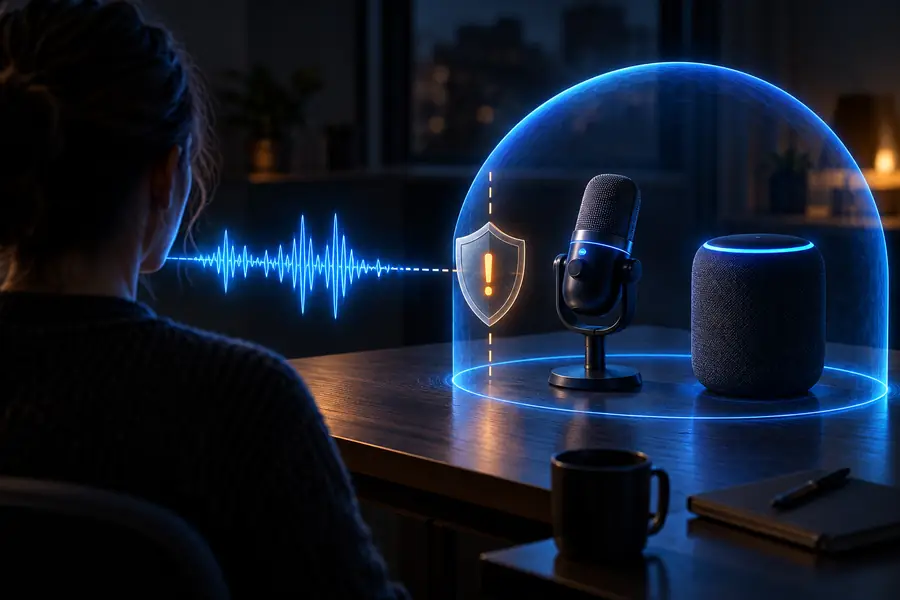
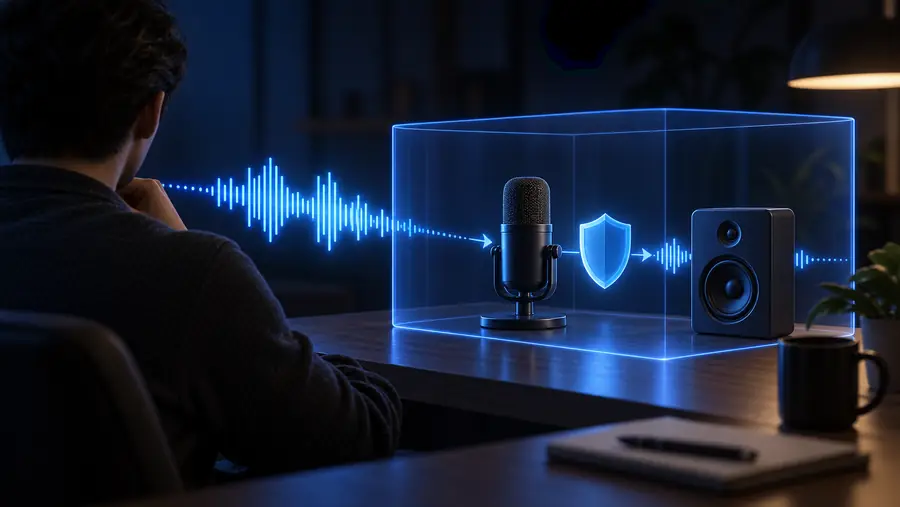
Use these checkpoints as observable signals during a review. They are not certifications, ratings, or proof that a voice changer is safe in every situation.
Different users face different risks. These examples show how to apply the same safety habit without treating every voice changer use case as identical.
They want a playful effect for a short public clip.
They test a disposable recording, review permissions, and label the transformed audio clearly.
voice changer with effectsThey need a changed voice for a demonstration rather than a private meeting.
They avoid confidential material and verify that the selected voice changer does not receive unrelated microphone access.
online voice changerThey are considering a voice changer on a personal phone.
They check app permissions, avoid sensitive recordings, and remove access when the feature is no longer needed.
mobile voice changerThey want a changed voice during a social session.
They keep the use transparent, avoid impersonation, and test the voice changer with a harmless sample first.
voice changer for DiscordIf you decide to try a voice changer, start with a short sample and the least sensitive setup. Review what the service requests, avoid private material, and stop if its handling of audio is unclear.
Open the voice toolThese answers address the specific question behind this page: Is voicechanger.io safe?
There is no responsible universal yes or no without checking the service's current policies, permissions, and handling of recordings. Treat it as unverified until you review those details and test it only with non-sensitive audio.
Do not assume that a private recording is safe to upload just because a voice changer works in the browser. Unless current terms clearly explain collection, retention, access, and deletion, use a disposable sample instead.
A voice changer may need microphone access for live transformation or file access for an upload, depending on the feature. Be cautious if it requests unrelated permissions, persistent access, or information that is not necessary for the stated task.
No. Price alone does not determine safety, and a paid service is not automatically trustworthy either. Compare the privacy explanation, requested permissions, download source, and controls for your audio before choosing a voice changer.
Use the official route, begin with a short non-sensitive clip, review permissions, and avoid private conversations or identifying information. Do not use transformed audio to impersonate someone or mislead people about who is speaking.