Voice changer for valorant, planned for clear team play
A voice changer for valorant can fit into a gaming workflow without taking over it. Shape a character voice, check intelligibility, and decide where the result belongs before you join a match.
Set expectations
The audience's existing pipeline
Valorant players already move between a headset, voice chat, clips, and community content. The useful role for a voice changer is narrow: support the moment without obscuring the message.
It is not a native Valorant plugin
This route does not establish a built-in Valorant integration, game overlay, or guaranteed compatibility with every voice-chat setup.
WorkaroundTreat the voice as an input or recording asset, then verify the selected device and routing in your own setup.
It cannot make unclear callouts clearer by itself
Heavy pitch shifts, robotic effects, or aggressive distortion can hide names, locations, and timing during a round.
WorkaroundUse a restrained effect, test short callouts, and keep a clean version available for important team communication.
It does not guarantee live performance
A generated or changed voice may be useful for a concept or clip, but live latency and routing depend on the device, software, and connection.
WorkaroundTest before a match and use recorded material when timing is more important than spontaneity.
It cannot replace consent and community rules
Changing your voice does not make impersonation, harassment, deceptive behavior, or abusive comms acceptable in Valorant.
WorkaroundUse fictional character work, disclose the effect when relevant, and follow the rules of the server, team, and platform.
Three practical steps
Where we slot in
Keep the voice workflow beside your normal Valorant routine rather than inside the pressure of a live round.
1
Define the role
Choose a simple brief such as calm analyst, masked scout, arcade announcer, or synthetic teammate. Specify whether the voice is for live comms, a clip, or a character concept.
2
Check intelligibility
Test short phrases that resemble real callouts. Listen for consonants, volume changes, background noise, and any effect that makes team communication harder to follow.
3
Route with care
Use the result in the appropriate recording or input path, then make a private test before entering Valorant. Keep the original voice or a clean backup when clarity matters.
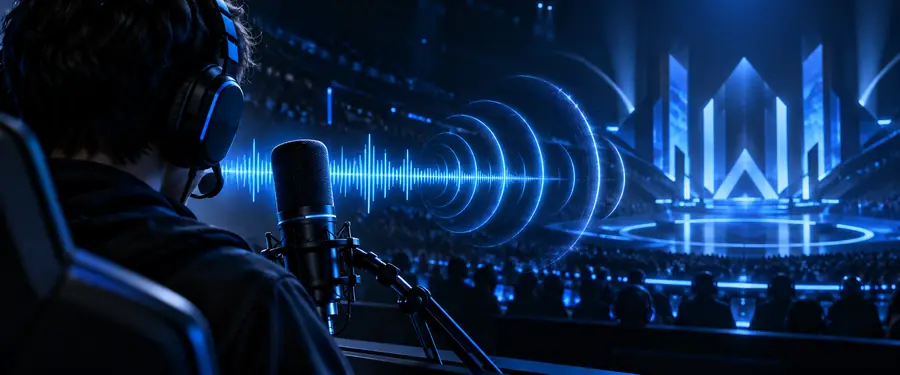
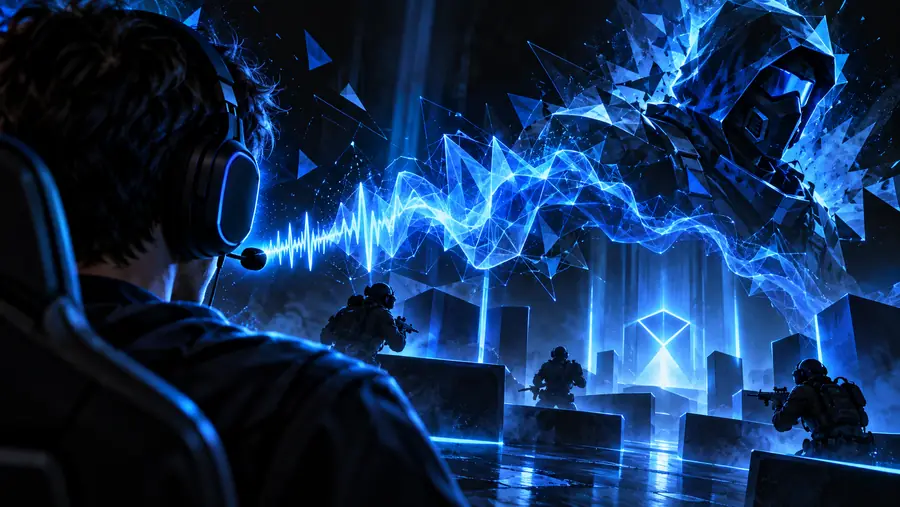
The strongest gaming voice treatment is often the one that leaves the callout understandable. Compare the starting voice with a shaped character treatment before deciding whether the effect belongs in live comms or only in a clip.
Clean callout
Character treatment
Keep the words clear before adding dramatic effects.
Decision table
Deliverable spec
Use this side-by-side check to decide whether the voice belongs in a match, a private test, or a finished Valorant video.
Live team comms
Recorded Valorant content
1
Primary goal
Live team comms
Fast, intelligible communication
Recorded Valorant content
Distinctive character or narrative voice
2
Effect intensity
Live team comms
Low to moderate; speech stays natural
Recorded Valorant content
Moderate to strong when the mix remains understandable
3
Timing priority
Live team comms
Immediate response and low distraction
Recorded Valorant content
Editing can fix pauses, levels, and transitions
4
Testing method
Live team comms
Short callouts with teammates before a match
Recorded Valorant content
Review the full clip on headphones and speakers
5
Backup option
Live team comms
Clean microphone input or original voice
Recorded Valorant content
Unprocessed take and alternate export
6
Best content fit
Live team comms
Team coordination and brief status updates
Recorded Valorant content
Character intros, highlights, skits, and commentary
7
Main failure mode
Live team comms
Callouts become hard to recognize
Recorded Valorant content
The effect competes with music or game audio
8
Success check
Live team comms
A teammate understands the message first time
Recorded Valorant content
The audience notices the character without losing the story
Player scenarios
The ranked teammate
You want a subtle character tone for a private session but still need teammates to catch names, directions, and timing.
Start with restrained processing, test a few real callouts, and switch back to a clean voice whenever the match demands maximum clarity.
Start with a clear character brief, review the result, and decide whether it belongs in live comms or edited content. A focused test is more useful than adding effects without a delivery goal.
These answers cover the practical questions people ask when adapting a voice workflow for Valorant.
Possibly, but this page does not promise a native Valorant integration or a particular live-routing setup. Test your microphone path, latency, and clarity with teammates before relying on any changed voice during a match.
A light treatment that preserves consonants and volume changes is usually easier to understand than a dramatic robotic or pitch-heavy effect. Try short phrases such as location, enemy count, and timing before choosing the final setting.
Often, yes. Recorded clips give you time to balance the voice against game audio, remove distracting sections, add captions, and choose a stronger character treatment without affecting teammates in real time.
Keep the effect subtle, announce important information plainly, and test it outside a competitive round. If teammates need repetition or cannot recognize your callouts, use the clean voice instead.