YouTube voice workflow
Voice changer youtube for a stronger channel voice
A voice changer youtube workflow can help you reshape narration, separate characters, or keep your natural voice private while you prepare a video. Build the sound first, then review it in context before publishing.

What this scenario must deliver
A YouTube-ready voice track is more than an interesting effect. It should support the message, remain understandable on ordinary speakers, and fit the rest of the edit.
Each item
Treat the voice as one part of the production pipeline, not a last-minute filter added after the video is finished.
-
1
Define the role
Choose whether the track is narration, a character, commentary, a privacy layer, or a short comedic insert. State the mood and audience before changing the voice.
-
2
Create and audition
Generate or transform a short sample first. Listen for clear consonants, natural pauses, and a tone that still matches the visuals and the channel’s usual style.
-
3
Place and review
Drop the approved track into the edit, check it against music and sound effects, then replay the finished section on headphones and ordinary speakers.
Quality bar
The strongest results are judged by usefulness, not by how dramatic the effect sounds in isolation.
-
It cannot fix weak writing
A changed voice will not repair a confusing script, repetitive pacing, or an unclear opening.
WorkaroundTighten the script and record a clean reference before applying the voice treatment.
-
It cannot guarantee perfect lip sync
A new performance may change timing, emphasis, or syllable length, especially when the source video is already locked.
WorkaroundAdjust pauses and cuts, or use the transformed voice for narration, cutaways, and off-camera sections.
-
It cannot replace publishing checks
A voice effect does not decide whether a video is accurate, properly licensed, or suitable for your audience.
WorkaroundReview claims, permissions, credits, and platform policies before making the video public.
Common rework
Most rework appears when the creator judges the isolated sample but not the complete video mix.
- Raw narration
- Edited voice track
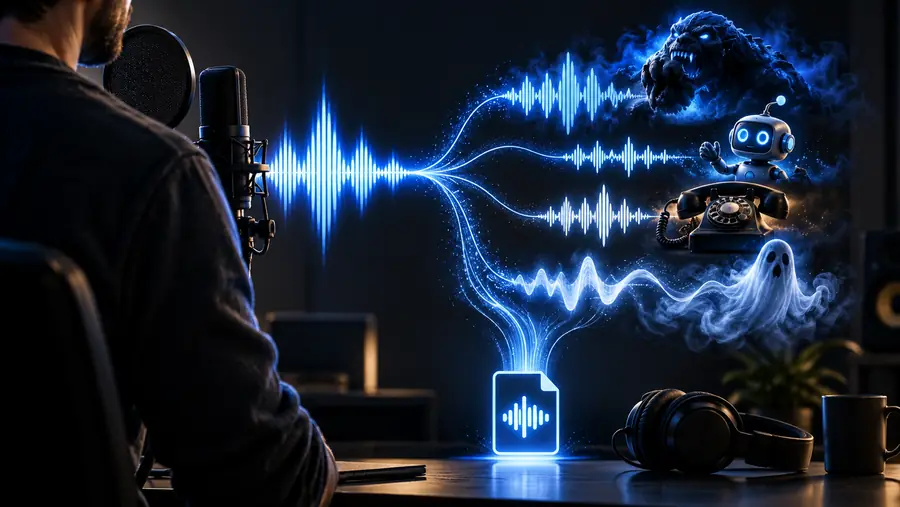
Compare the voice at the same loudness and inside the full video, not only in a solo preview. If words disappear under music, reduce the effect or rebalance the mix before re-recording.
- 1 Clear reference voice track
- 1 source
- 2 Headphones and ordinary speakers
- 2 listening checks
- 3 Voice, mix, and publishing context
- 3 review points
Prepare a voice track for your next video
Describe the narrator, character, or privacy-focused voice you need, then review a short sample before building the rest of the edit. Keep the final choice aligned with your script, audience, and channel identity.
Create a voice track- Shape narration around the video’s purpose
- Compare the voice inside the full mix
- Keep a human review before publishing
Scenario FAQ
These answers cover the practical questions creators usually ask before adding a changed voice to a YouTube workflow.
Yes, a changed voice can be used for narration, characters, commentary, or privacy-focused production. You remain responsible for the script, permissions, accuracy, and compliance with YouTube’s current policies.
It can be useful for live content when the voice path is tested before going on air. For recorded videos, you have more control because you can trim pauses, balance the mix, and replace weak sections before publishing.
Not by itself. Professional results also depend on a clear script, clean source audio, sensible effect strength, consistent loudness, and a final listen with music and sound effects included.
It may make your voice less recognizable, but it should not be treated as complete anonymity. Avoid sharing identifying details, review the full video for visual and contextual clues, and check the result before publishing.
Listen for understandable words, unnatural artifacts, volume changes, and timing problems against the visuals. Then verify music and voice permissions, factual claims, disclosures where relevant, and any current platform requirements.