Character audio
Plan a voice changer for discord session that sounds clear
A voice changer for discord works best when your friends can still understand every word. Decide whether you need a prepared clip or a live microphone effect before you change your voice.

Why a changed voice can get lost in a Discord call
An effect that sounds impressive alone may become hard to follow beside game audio, music, and several people speaking. Start with intelligibility, then add character.
Three concrete workflows for Discord audio
Choose the workflow before choosing an effect. A prepared recording and a live call require different setup and different checks.
-
1
Prepare a short clip
Record a line in a quiet room, keeping the microphone at a steady distance. Describe the character you want, then listen to the changed recording before sharing it in a channel. A voice changer can shape a character introduction or tabletop recap without making you manage an effect throughout the call.
-
2
Test a live-mic route separately
If you need your voice to change while you speak, first confirm that your chosen software supports live processing and provides an input Discord can use. Select that input in Discord’s voice settings, make a private test call, and check for delay or doubled audio. Do not assume a tool that changes recordings can also act as a live microphone.
-
3
Audition the result with friends
Try one normal sentence, one quiet sentence, and one excited line. Ask listeners whether they can understand the words over their usual game or call audio. If they cannot, reduce the effect or speak closer to your microphone rather than increasing the volume of an already distorted signal.
Example output: before and after
For a tabletop character entrance, the goal is a distinct voice that still carries the invitation clearly: “The gate is open. Come inside.”
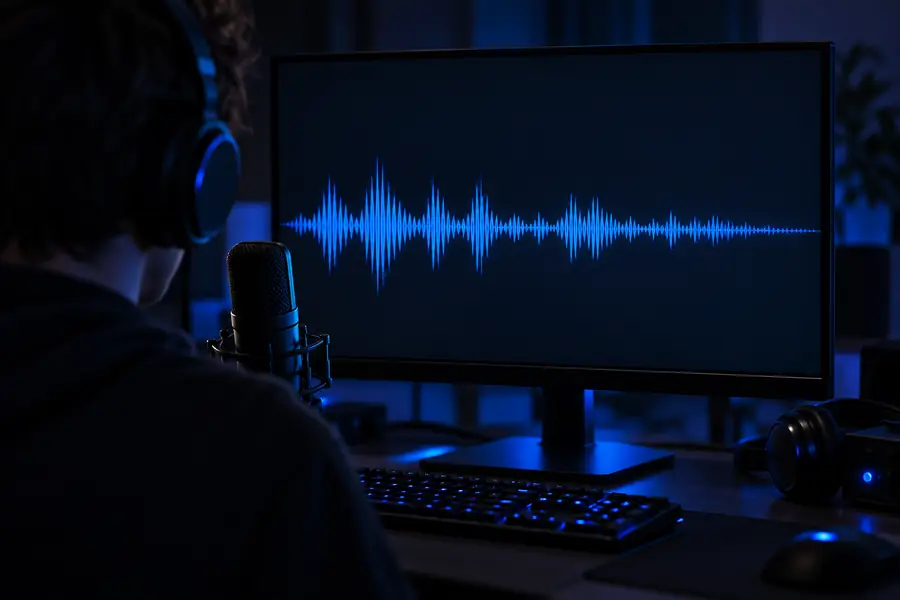
- Original spoken line
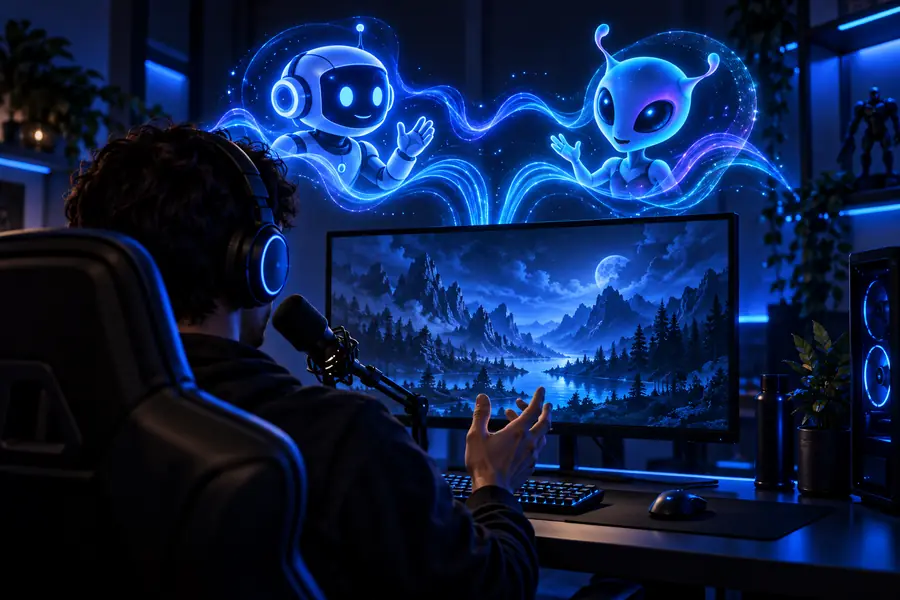
- Character-voice concept
The images illustrate the workflow; they are not an audio sample or a promise of a particular sound. Compare the actual recording by listening for consonants, consistent loudness, and a comfortable level of effect.
Compliance notes for shared voice channels
Make the character clear, not misleading
Tell people when you are using a voice changer, especially if the result could be mistaken for another person. Get permission before using someone else’s recording or attempting to imitate their recognizable voice. Follow the rules of the server and the game you are playing; a voice effect should not be used to impersonate a moderator, evade a restriction, or deceive other members. Before posting a clip, listen for private information in the background and check that everyone recorded is comfortable with it being shared. When testing live audio, keep a way to switch back to your ordinary microphone if the changed signal becomes difficult to understand.
Create character audio- Test clarity with the people who will hear it
- Disclose effects when identity could be confusing
- Check consent before sharing recordings
Discord voice changer FAQ
Yes, if the software you choose supports live processing and exposes an audio input Discord can select. A voice changer that only processes recordings will not change your live microphone by itself. Test the input in a private call before joining a group conversation.
Discord may still be using your physical microphone rather than the input carrying the processed audio. Check the selected input in Discord’s voice settings and make a short test call. If your tool only makes recorded clips, there may be no live input to select.
Begin with a clean recording or microphone signal and use a modest effect. Listen while typical game audio or conversation is playing, since a voice that sounds clear alone can get buried in a call. Ask another member to check whether they can follow a full sentence.
Yes. A prepared clip lets you hear the result and revise it before sharing, which can be useful for a character introduction or recap. Check the channel’s rules and obtain consent from anyone whose voice appears in the recording.
Avoid imitating a recognizable person without their permission, particularly when others might believe the recording is genuine. Make it clear that a character voice is an effect. Server rules may also restrict impersonation regardless of your intent.